Getting your lessons ready
Level 7 · Beyond Typing
Try a complete document task
Choose a source, make a request, check a reply and record the result.
~10 min Skill: Photos and Documents Lesson 6 of 8
Your voice and camera can do so much!

Step 1 of 6: Get set
Step 1 of 6
Opening your saved place…
Before we start
Put the steps together.
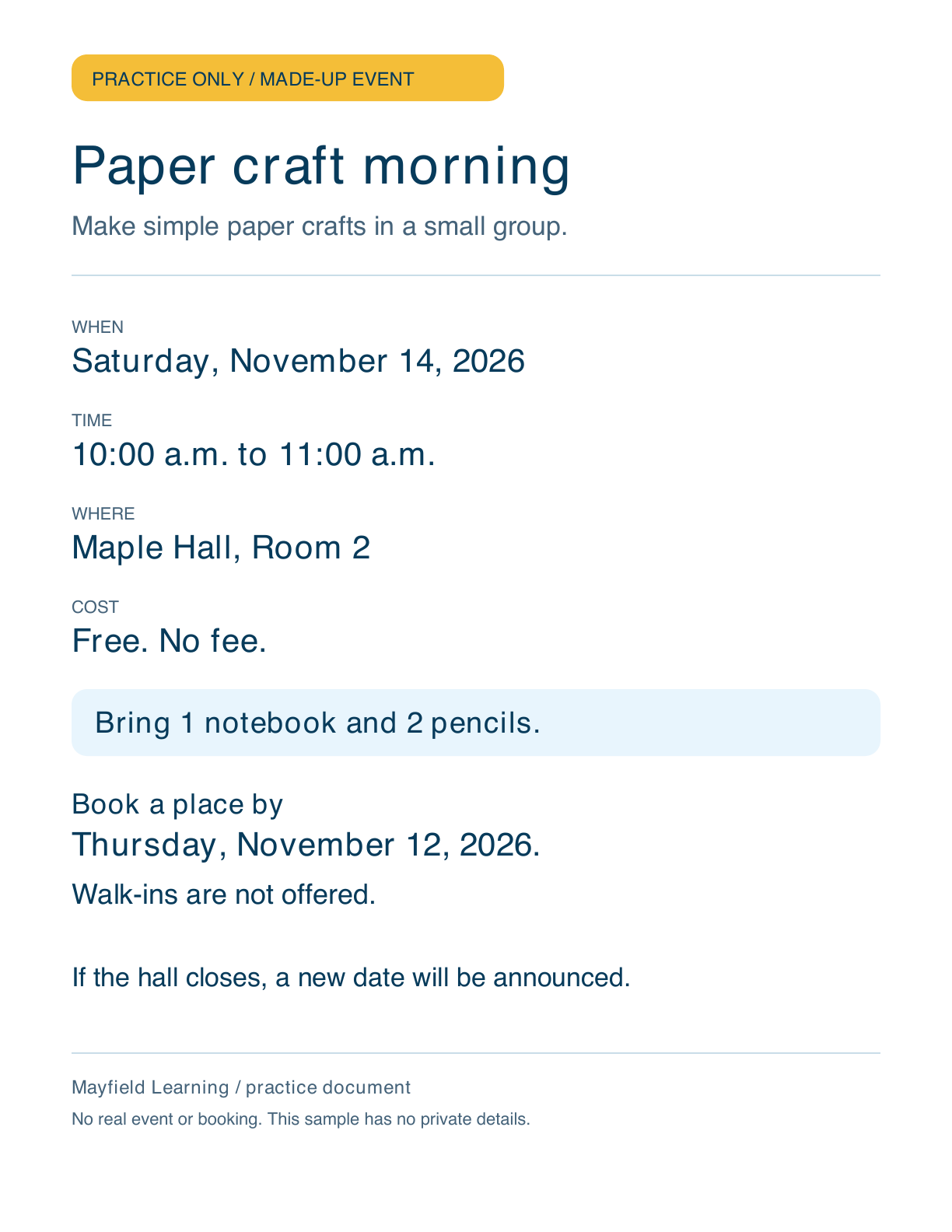
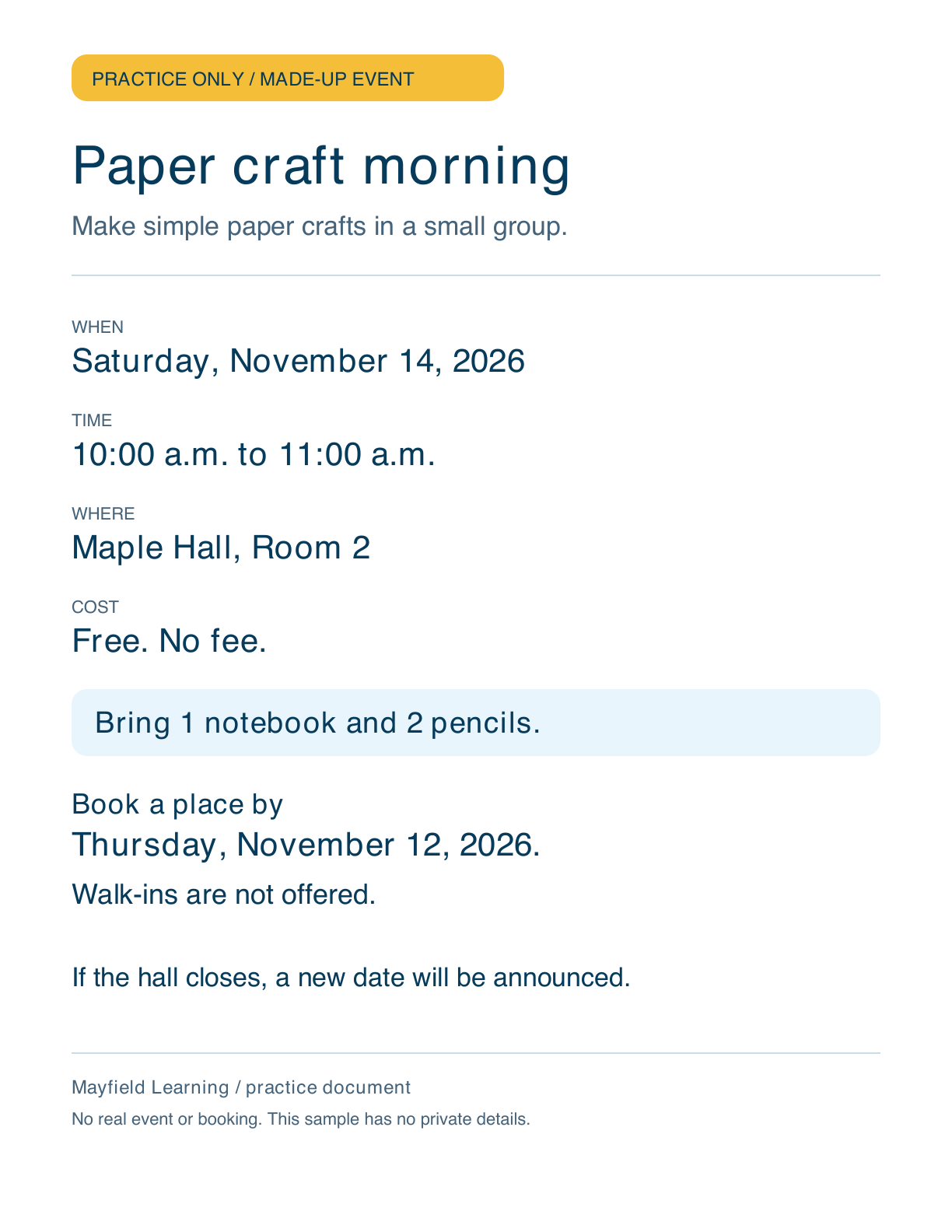
Use our practice flyer for one complete task. You can try it in ChatGPT or write through the example here. Both paths are useful.
The flyer is made up. There is no real event, booking or private paperwork involved. You do not need to take a photo to use it.

Buddy says
One source and one useful task are enough for this try.