Getting your lessons ready
Level 7 · Beyond Typing
Read a practice document with AI
Choose a source and plan a first document request.
~8 min Skill: Photos and Documents Lesson 1 of 8
Your voice and camera can do so much!

Step 1 of 6: Get set
Step 1 of 6
Opening your saved place…
Before we start
Start with a page you can share.
A photo shows a page as an image. A PDF is a file that can hold text, images or both. AI may help read either, but it can miss details.
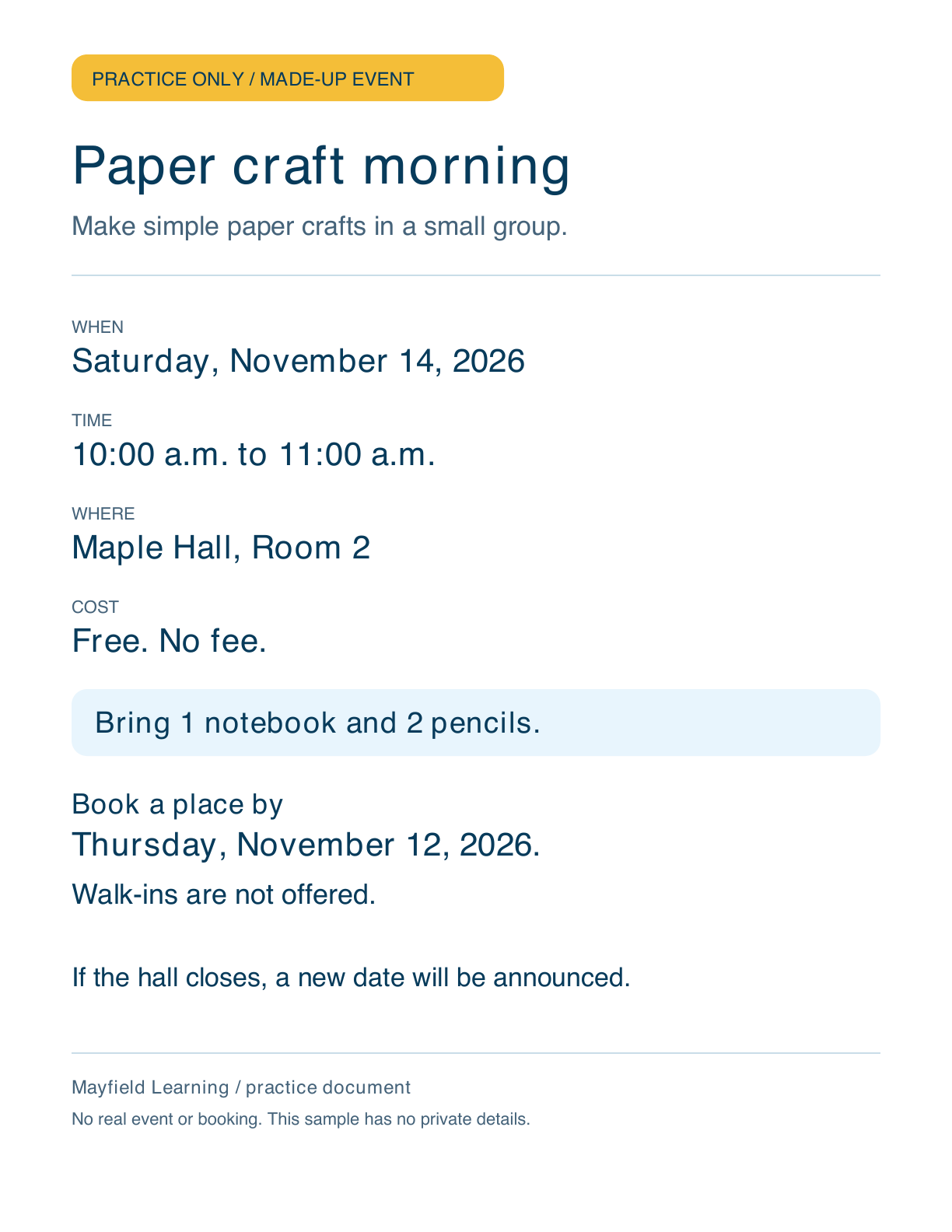
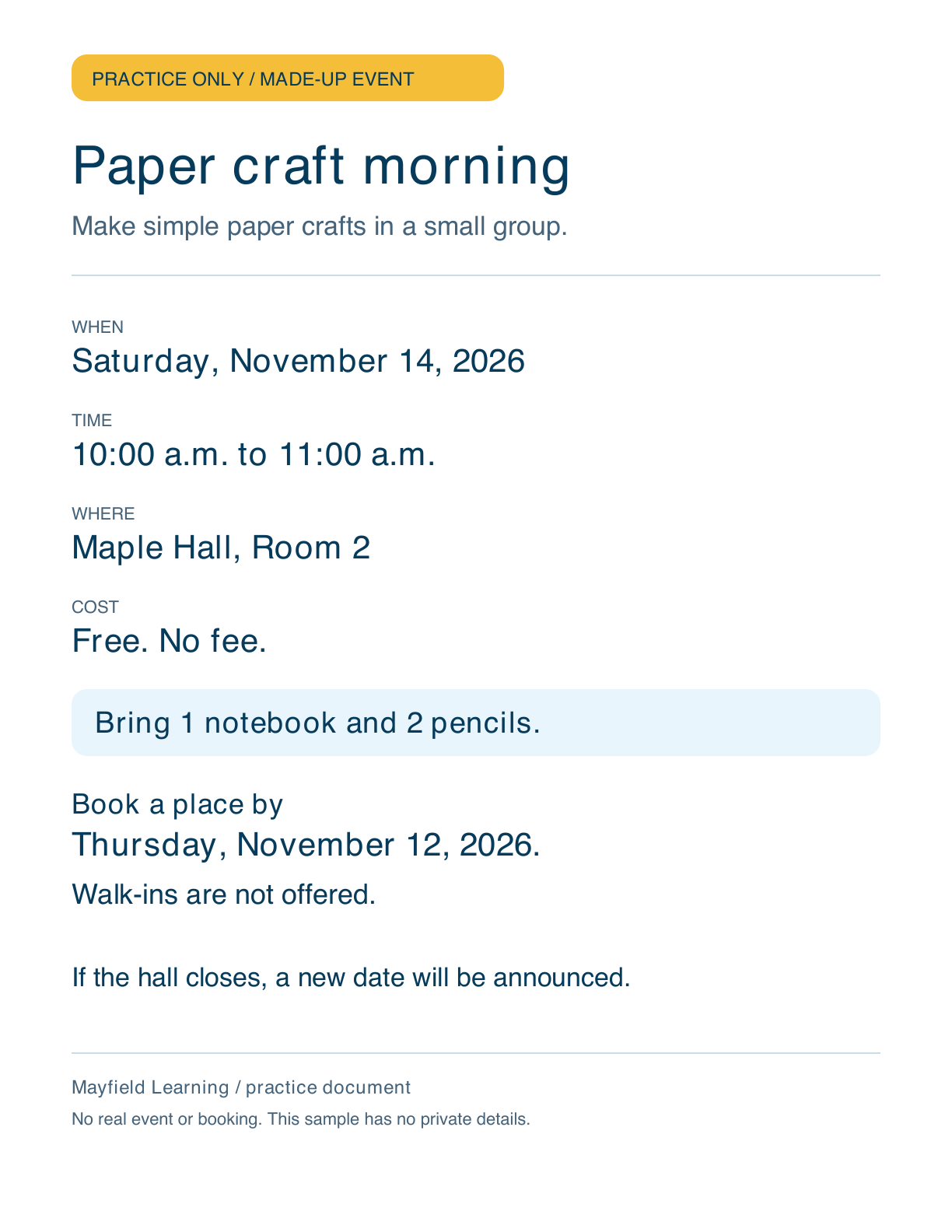
We use a made-up craft flyer. It has no private details and no real event to book. You can view it here before trying a file in ChatGPT.
This first lesson is a plan. You can try the whole task later in this track, or keep using the written examples.

Buddy says
A practice page gives us something we can check together.